
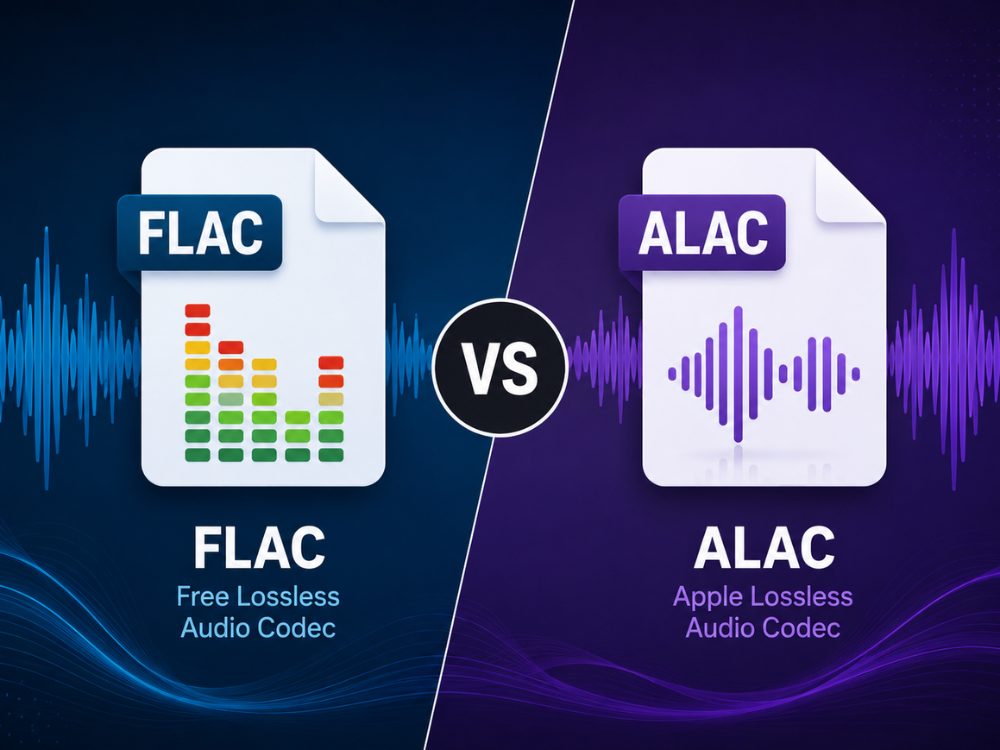
Any individual developing a lossless music library will sooner or later come across the FLAC vs ALAC dilemma. Both are CD-quality audio codecs with smaller file sizes than the standard WAV files. However, the two formats are not universal; each is best supported by different devices and applications. FLAC is dominant on Windows and Android devices, while ALAC is the preferred codec on Apple hardware.
In this guide, you will understand FLAC vs ALAC in clear terms, when conversion of FLAC to ALAC is really necessary, and how to convert FLAC to ALAC using a free online service. This will make your FLAC vs ALAC choice easy, regardless of the device you have.
What Is FLAC?
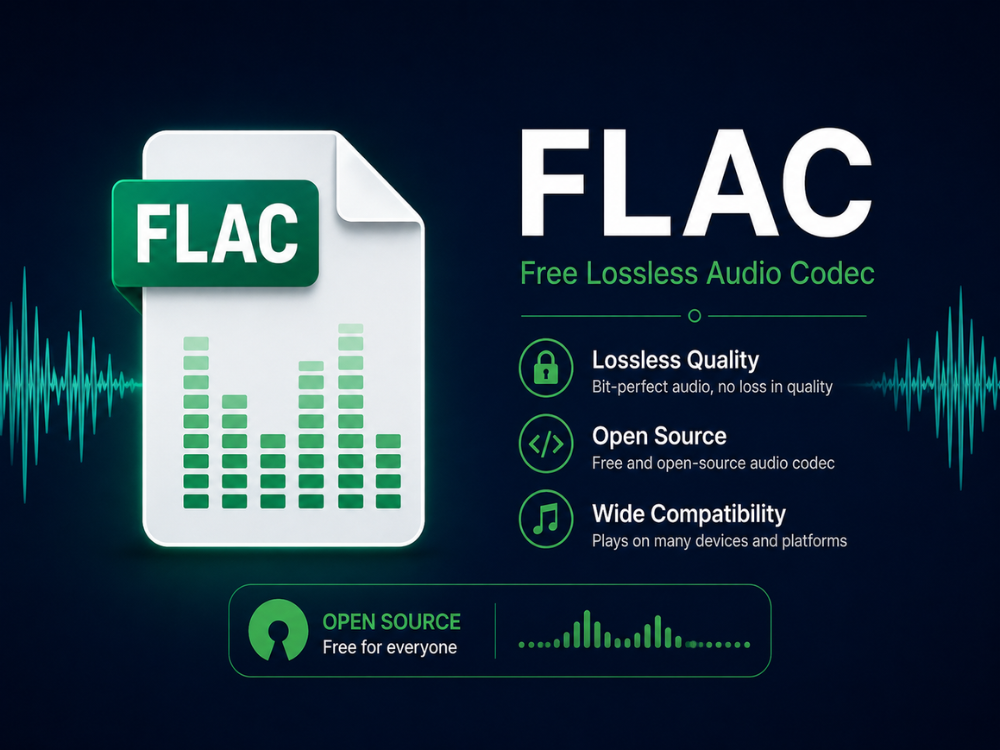
FLAC is an audio codec developed and introduced by the Xiph.Org Foundation in 2001. The main purpose of FLAC is to compress audio data using mathematical algorithms without losing any information; therefore, FLAC-encoded audio files are identical to the source audio file.
Being open source and royalty-free, FLAC is now the de facto lossless standard on all other audio platforms but Apple. This format is natively supported by Android phones, Windows Media Player, VLC, foobar2000, and most high-fidelity streaming players and network players. It also does not lose any audio data while still compressing aggressively, taking up only 50 to 60 percent of the space a WAV would occupy.
FLAC allows for audio in high resolution up to 32-bit/655.35kHz, along with other features like embedded artwork, artist tags, and lyrics via its built-in tagging functionality. The only downside to FLAC is that it does not integrate well with the Apple ecosystem, as only iOS 11 can play FLAC natively. Some older Apple applications and devices also use ALAC rather than FLAC. This is where the comparison between FLAC and ALAC starts.
What Is ALAC?
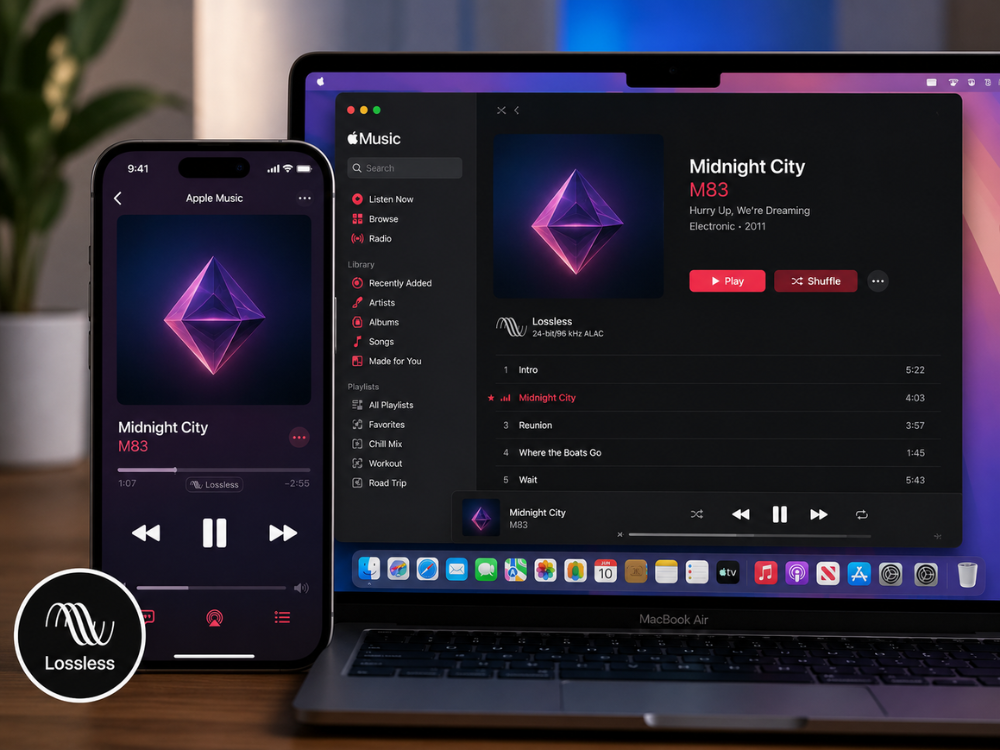
ALAC (Apple Lossless Audio Codec) is a proprietary lossless codec developed by Apple, initially introduced in 2004 and released as open-source software in 2011. Just like FLAC, ALAC compression does not discard any information during encoding.
However, the greatest benefit of ALAC is that it has built-in compatibility with all Apple devices, which include iPhones, iPads, Macs, Apple TVs, and even Apple Music. The software also allows for seamless reading and writing of ALAC metadata through iTunes and the Music application on macOS, including artwork and special tags from iTunes.
ALAC compatibility outside of Apple devices is far from uniform. Many Android smartphones, software running on Windows, and other non-Apple hi-fi systems are either not compatible with ALAC or need another plug-in installed to enable compatibility. ALAC is equally efficient at compression, creating files of equal size to FLAC files, thus making file size irrelevant when choosing between FLAC vs ALAC. Those who ask about “ALAC vs FLAC” instead of “FLAC vs ALAC” are looking for the answer from Apple’s point of view.
FLAC vs ALAC: Key Differences
As both are lossless, the debate between FLAC vs ALAC cannot be based on quality; rather, it is a question of compatibility and ecosystem. The following table highlights the points at which the debate between FLAC vs ALAC starts.
| Feature | FLAC | ALAC |
|---|---|---|
| Developer | Xiph.Org Foundation | Apple |
| Released | 2001 | 2004 |
| Compression | Lossless | Lossless |
| Typical File Size | Slightly smaller | Slightly larger |
| Apple Device Support | Since iOS 11 | Full, native |
| Android/Windows Support | Full, native | Limited, often needs a plugin |
| Open Source | Yes | Yes (since 2011) |
| Max Bit Depth/Sample Rate | 32-bit/655.35kHz | 32-bit/384kHz |
| Metadata Support | Native tagging | iTunes-style tagging |
FLAC vs ALAC: File Size
File size comparisons between FLAC and ALAC formats are easy because both use lossless compression. This implies that an audio file lasting for 3 minutes at 44.1kHz/16-bit will take about 20-35 MB of space regardless of the format you are using. On occasions where the audio file is detailed, FLAC tends to compress a little bit better than ALAC.
FLAC vs ALAC: Audio Quality
The audio quality will be identical in the FLAC vs ALAC comparison because no data is lost during conversion to either format. If you record something using the FLAC format and the same thing in the ALAC format at the same bit depth and sampling frequency, then the two files will be completely identical.
FLAC vs ALAC: Compatibility
Here is where FLAC vs ALAC creates a clear winner, and that all depends on the type of hardware you have. FLAC wins in practically all cases except for when you are in the Apple ecosystem: Android, Windows, Linux, as well as the vast majority of independent high-fidelity streaming devices, will play FLAC right out of the box. For iOS and Mac users who exclusively listen via Apple Music, ALAC is the way to go.
FLAC vs ALAC: Metadata Support
Both formats include metadata, although they implement it in somewhat different ways. For FLAC, metadata is included as Vorbis comments, a highly flexible tagging format compatible with all non-native Apple music programs. ALAC uses an MP4-like container format with Apple iTunes metadata fields.
Why Convert FLAC to ALAC?
There are actually practical reasons why someone might have to deal with the FLAC vs ALAC issue, though the conversion process itself will not enhance sound quality.
Apple Music Library Management
A person setting up a music library with iTunes or Apple Music is bound to appreciate that all file types are compatible and that no problems arise when playing. It is best to convert FLAC to ALAC prior to adding to iTunes.
iOS and Apple TV Playback Reliability
While the latest iOS supports FLAC, some older Apple devices, and even some third-party applications for Apple users, have better compatibility with ALAC files. FLAC to ALAC converter is a good idea before playing your music on these devices.
Simpler Tagging and Cover Art
The ALAC tagging format is more compatible with Apple’s tagging rules, which means that by converting FLAC to ALAC, one can fix issues with missing album covers and messed-up tags found in Apple Music.
Consistent Library Format
There are those who just want to keep everything in the same library format without having to juggle between FLAC and ALAC. If the audio player is always going to be on Apple products, sticking to the ALAC format after converting FLAC to ALAC makes sense.
4 Best Online FLAC to ALAC Converters
There are several utilities that can convert FLAC to ALAC files without the use of a PC program. Here are four that you may want to consider if you have chosen between FLAC vs ALAC and need a quick conversion process.
1. AhaConvert FLAC to ALAC Converter
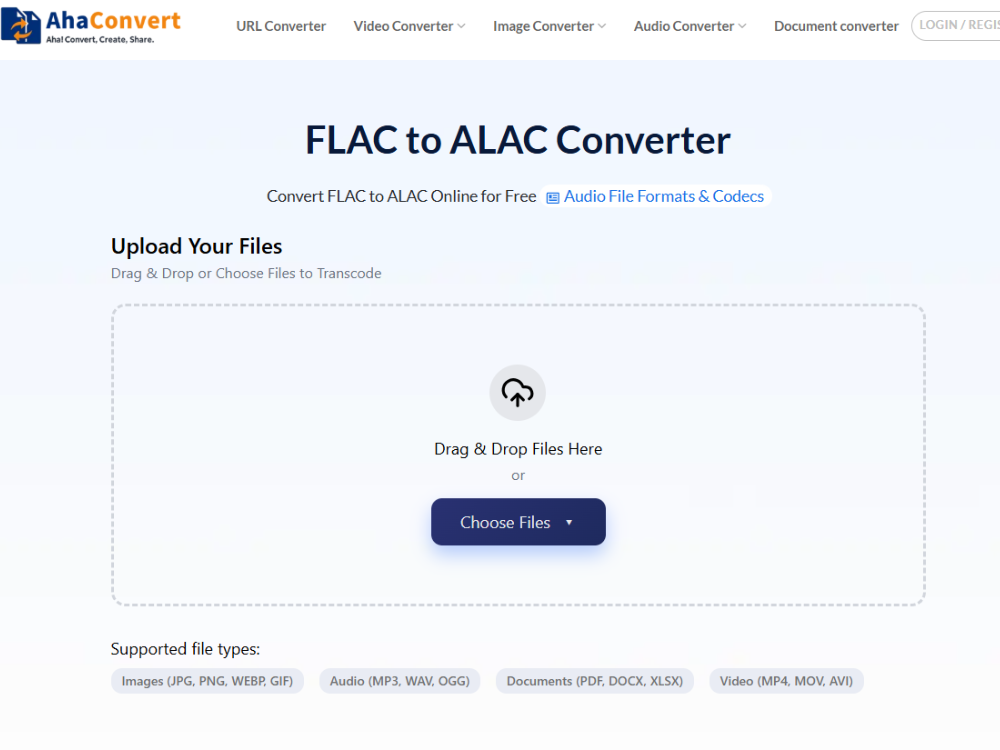
AhaConvert FLAC to ALAC Converter is a free web application designed for converting FLAC files into ALAC. It doesn’t require registration and can be used on any computer with a browser — Windows, macOS, Linux, iOS, and Android. All uploaded files are secured by 256-bit SSL encryption and deleted automatically within 24 hours after processing. Batch functionality makes it easy to process several FLAC files at once.
Pros:
- Totally free,
- No conversion limit per day,
- Batch processing,
- Works on any computer.
Cons:
- No manual bitrate
- sample rate adjustment.
2. Convertio FLAC to ALAC Converter
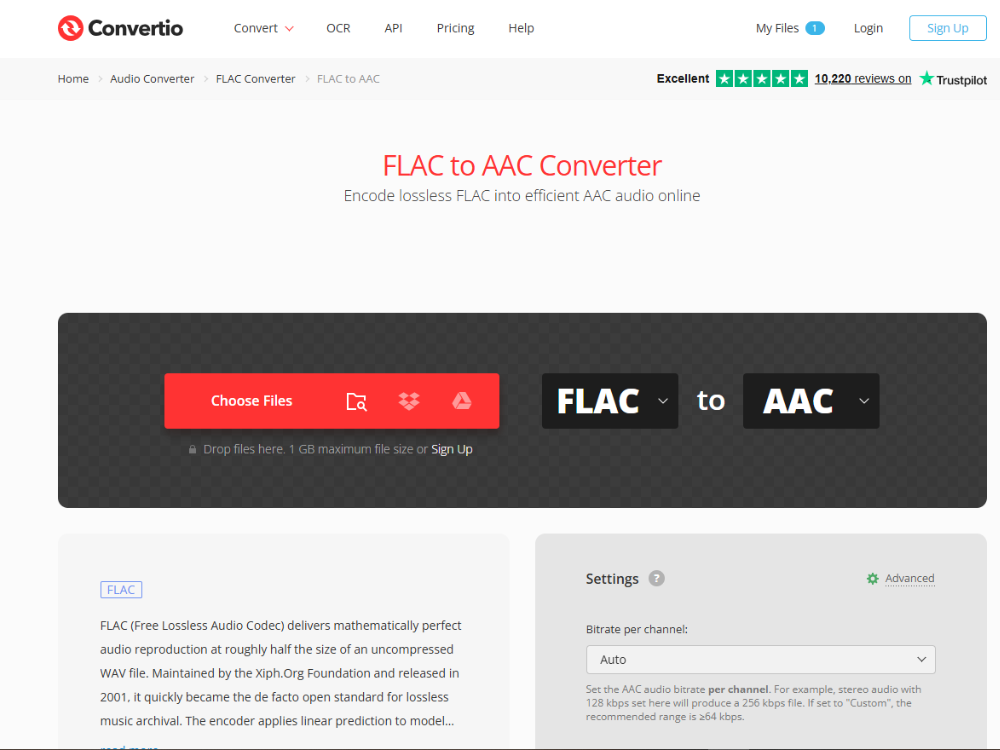
Convertio is an established online converter that converts FLAC to ALAC quite efficiently. It allows you to upload files from your computer, Google Drive, or Dropbox. However, its free version imposes a limitation of 100 MB per file, which might not be enough for lossless audio files.
Pros:
- Cloud storage
- integration,
- Clean interface.
Cons:
- 100 MB file size limit,
- daily conversion cap on the free tier.
3. OnlineConvertFree FLAC to ALAC Converter
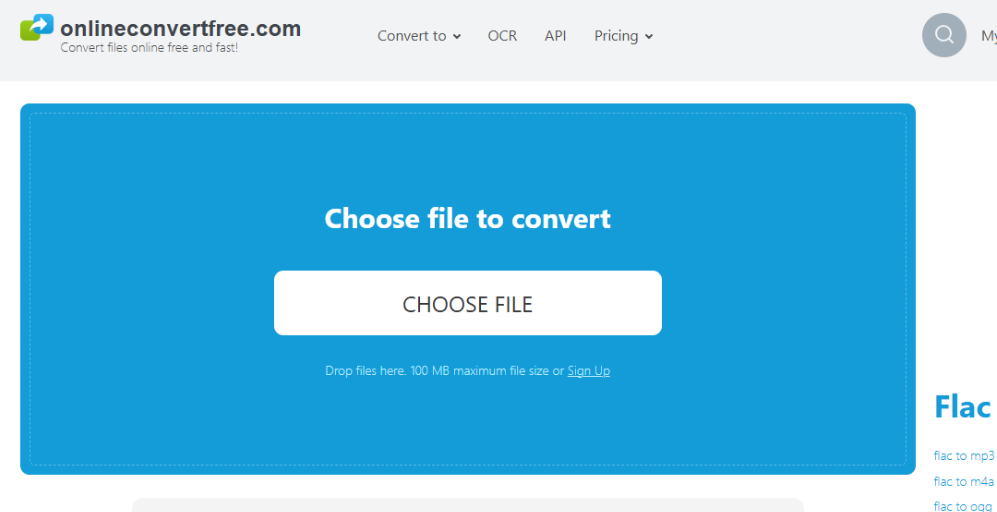
The OnlineConvertFree converter is a very easy browser-based tool for converting audio files in several formats, including FLAC and ALAC. There is no need to register an account, and the interface is pretty simple. It works well for individual conversions, not libraries.
Pros:
- No registration required,
- simple to use.
Cons:
- Limited batch support,
- ads on the free version.
4. FreeConvert FLAC to ALAC Converter
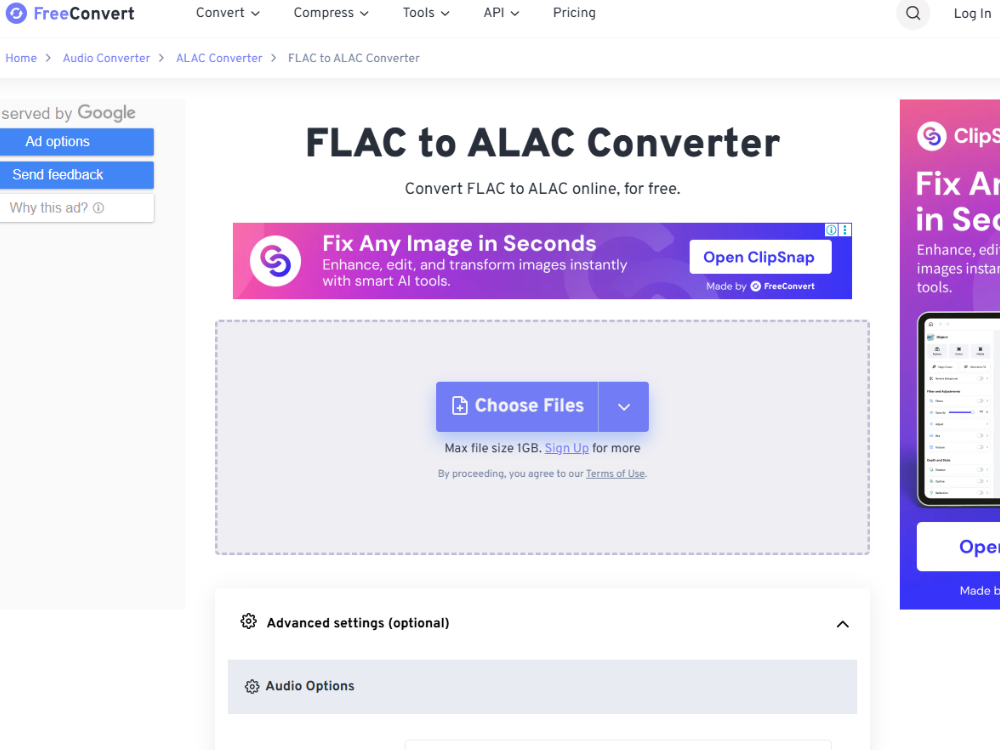
With FreeConvert, you will be able to convert FLAC to ALAC at an impressive file size limit of 1 GB per file on the free version. In addition to that, the website comes with some basic settings prior to conversion, including quality adjustment. But there is a limitation on daily conversions in the free version.
Pros:
- Generous file size limit,
- Some customization options.
Cons:
- Slower processing during peak hours.
Amongst them, the one that is best suited for regular use is AhaConvert as it requires neither registration nor daily restrictions and ensures complete privacy protection, making it the most convenient one after one has made his/her decision between FLAC vs ALAC.
How to Convert FLAC to ALAC Online
After making your decision regarding FLAC vs ALAC, here is how to convert FLAC to ALAC using the AhaConvert FLAC to ALAC converter.
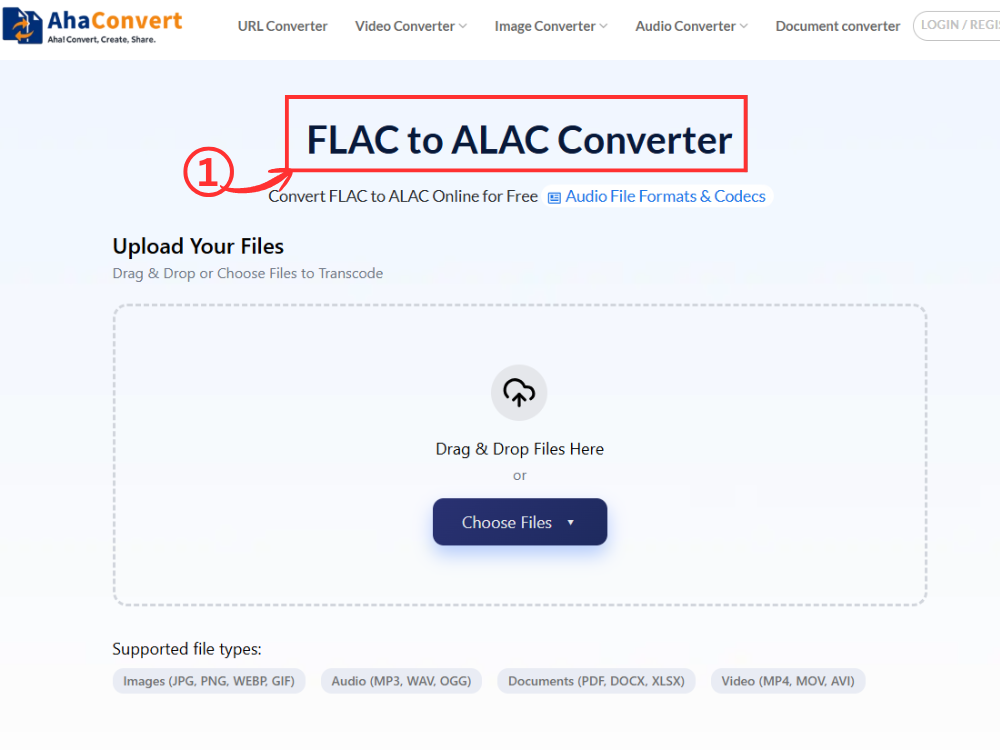
Step 1: Open the AhaConvert FLAC to ALAC Converter
Access the AhaConvert FLAC to ALAC Converter using any web browser on any device. This will be loaded immediately without the need for any download or registration.
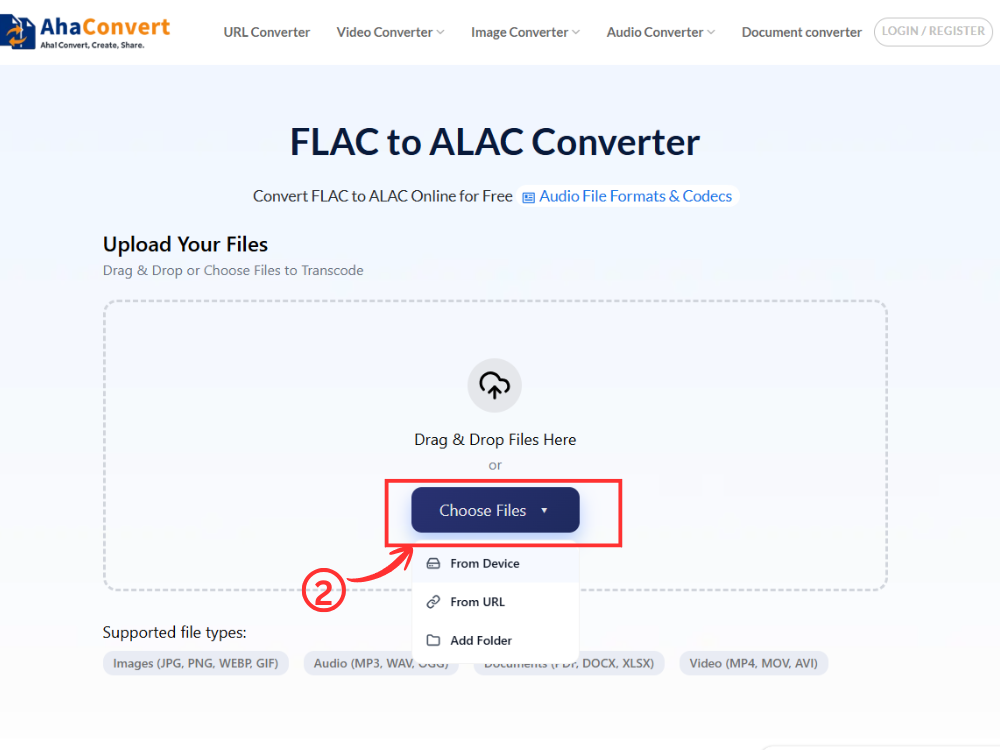
Step 2: Upload Your FLAC File
Click “Choose Files” to search for the file on your device or drag and drop the FLAC file into the file uploader section. You can also use a file URL if the audio file is available online.
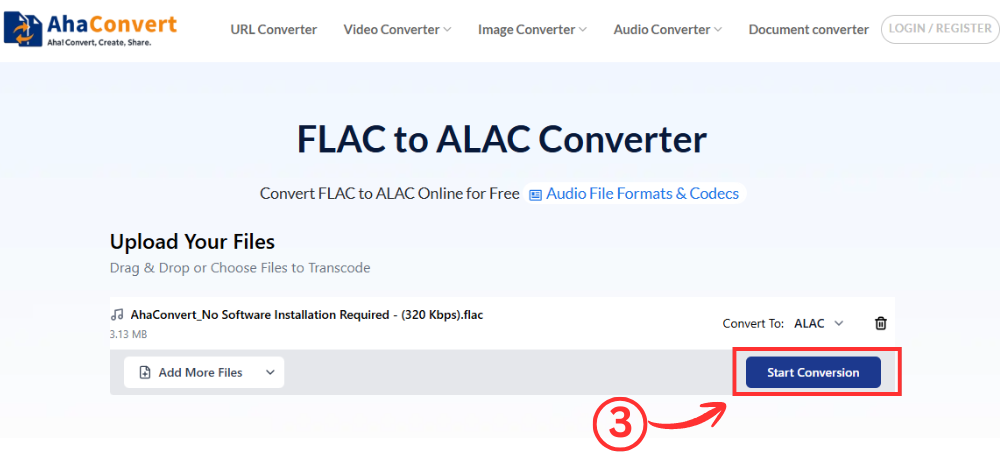
Step 3: Start the Conversion
After the upload process has been completed, you need to select “Start Conversion.” As this tool for FLAC to ALAC converter, the format cannot be changed, so the dropdown menu is not needed. The process starts automatically.
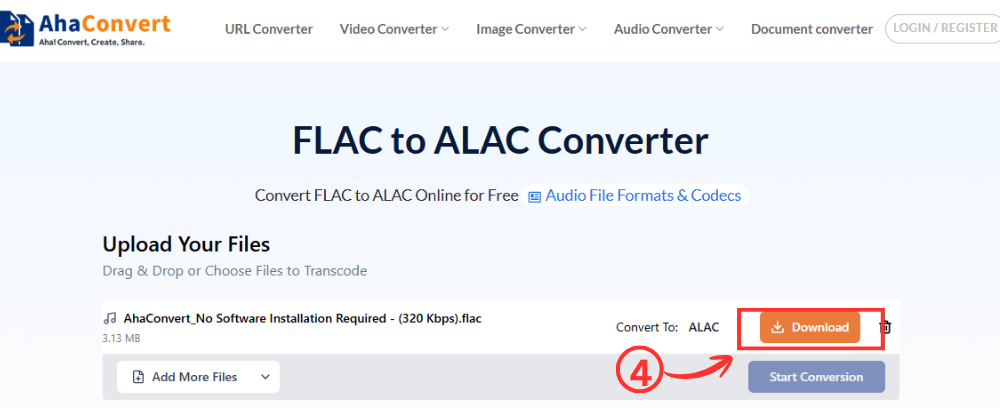
Step 4: Download Your ALAC File
Once the conversion process is complete, you can see the download file appear on the screen. Click the “Download” Button and download the ALAC file (.m4a).
Frequently Asked Questions
1. FLAC vs ALAC: Is ALAC better than FLAC?
Neither can be said to be superior since both are lossless; hence, they have equal sound quality. ALAC is better on Apple devices because it is natively supported by iTunes and Apple Music. On the other hand, FLAC is better on devices running Android and Windows. In comparing FLAC vs ALAC, it all boils down to your device type.
2. Can an iPhone play FLAC files?
Yes, from iOS 11 onwards, iPhones can play FLAC files directly in the Files app or third-party apps, although Apple Music continues to support ALAC files. FLAC vs ALAC. In case you are looking for error-free playback on all Apple apps, then ALAC wins out here.
3. Can I convert FLAC to ALAC online for free?
Yes. The AhaConvert FLAC to ALAC converter is a completely web-based tool that works without any payment. Just upload your FLAC file to convert it into ALAC, and the process will be completed instantly, without the need for an account or installation on your computer. Whether you’re on the FLAC or ALAC side of the FLAC vs ALAC comparison.
4. How long does it take to convert FLAC to ALAC?
This takes about two seconds for each file. In case you have an entire album of files that need to be converted to FLAC, it will take a little bit more, but with AhaConvert, you do not have to keep holding on to your browser tab.
5. Is it safe to convert FLAC to ALAC online?
Yes, but make sure you use a dependable program. AhaConvert uses 256-bit SSL encryption to protect your file while processing it and removes any files that stay on their server for more than 24 hours, and this makes it a suitable choice for your music library.
6. Does converting FLAC to ALAC reduce audio quality?
No, both formats being lossless, there is no reduction in the amount of information during conversion. As a result, the converted file ALAC will sound exactly the same as the original file FLAC. As long as the bit depth and sample rate remain constant, another good reason why choosing between FLAC vs ALAC doesn’t have to be difficult.
Wrapping Up
Ultimately, the choice between FLAC vs ALAC depends on how and where you consume your music. The quality of the music is exactly the same, no matter what you choose. However, FLAC is more widely supported outside Apple’s world of iPhones and iPads. Whereas ALAC works better with all Apple products and Apple Music.
The free online AhaConvert FLAC to ALAC Converter performs this conversion for you without any need for installation. No matter where you stand in terms of the FLAC vs ALAC debate, you are just one click away from performing this conversion completely free of charge. In the case of lossy audio formats, the MP3 to FLAC converter page describes that debate in greater detail. For general use, the AhaConvert Audio Converter handles all your audio format needs.
