
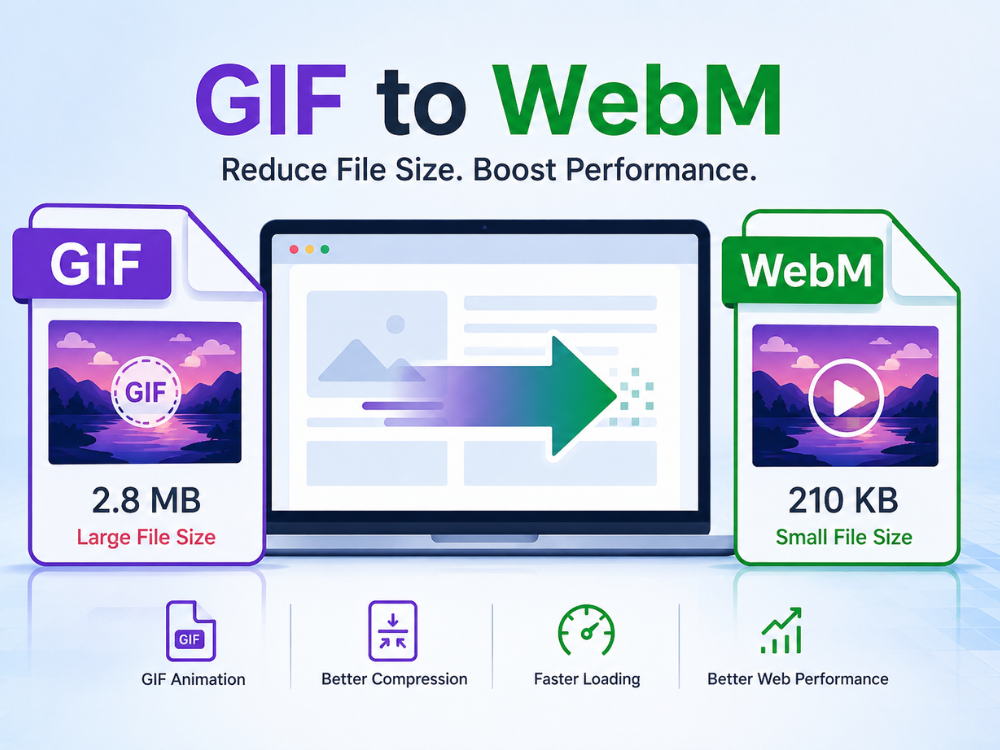
GIF files are common on websites; however, one disadvantage of these files should be considered: their large size. Large GIF animations negatively impact website performance, leading to sluggishness and slow loading times. That is why many people nowadays use online methods to convert GIFs to WebM.
During the conversion process, the video usually remains smooth and clear but occupies much less disk space. That is why using WebM files for online videos is more beneficial and efficient than using GIF files. In addition, WebM is more optimized for web browsers and mobile gadgets.
Today, there are plenty of free converters that let you easily convert GIFs to WebM online. This article offers you a detailed guide on how to convert GIF to WebM file formats and also provides information about the top free GIF to WebM converters for 2026. Here, you can also find tips on how to convert files fast without downloading any software.
GIF VS WebM
While the two formats may be used for creating animations, they operate under completely different mechanisms. The GIF format was introduced way back in 1987 and has almost universal support on the Internet. WebM is an open-source video format developed by Google and tailored to today’s internet use. It is important to understand their key differences to understand why they are choosing to make a change.
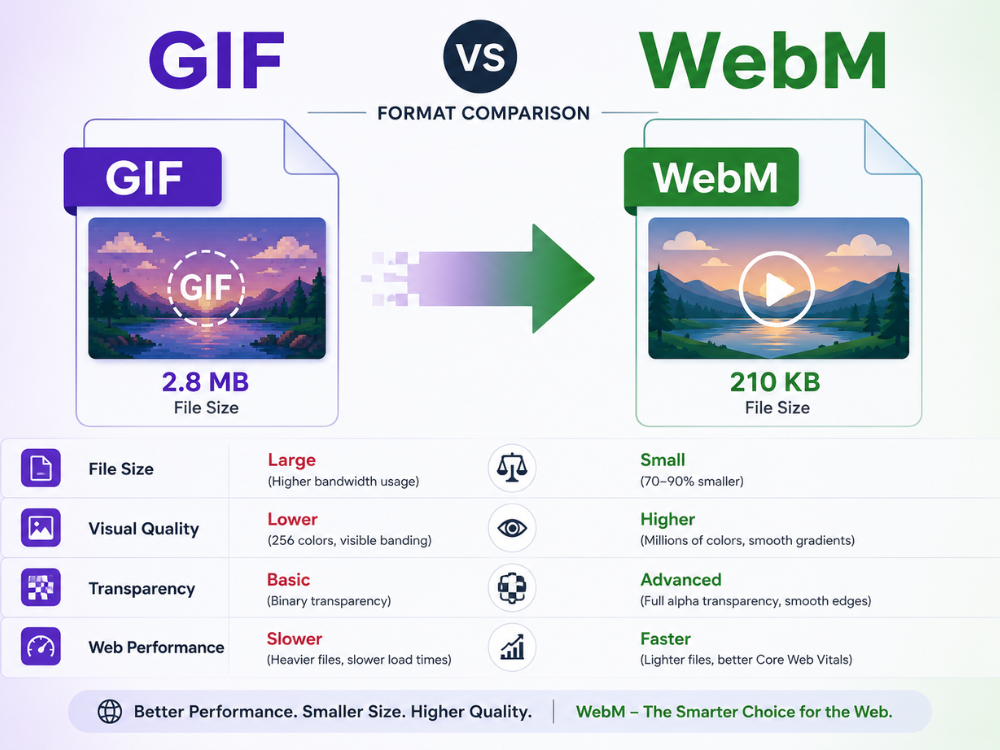
File Size
A key factor distinguishing the GIF and WebM formats is file size. GIF format results in larger files because each frame is treated as an individual image. An animation of even a couple of seconds may lead to large files – a 10-second GIF may end up being bigger than 10 MB.
In comparison, WebM employs highly advanced video compression techniques, utilizing either the VP8 or VP9 codecs. As a result, the size of WebM files is reduced by as much as 70%-90%. That is why many people choose to convert GIF to WebM for their convenience in saving disk space.
Visual Quality
GIF files support only 256 colors per image frame. This restriction can result in an animated sequence looking grainy or lacking detail when gradients are present, when photographically captured images are used, or when complicated motions are involved.
WebM supports modern video coding and compression technologies with millions of colors. The visual output from WebM animations is therefore significantly better quality than that from GIF animation sequences. This is easily noticeable in any animation involving color gradients or highly detailed artwork.
Transparency Support
The ability to incorporate transparency into the images is beneficial in creating overlays, animated stickers, website graphics, etc. But in GIF images, binary transparency can be used, meaning a pixel can be either completely transparent or opaque.
On the other hand, if transparency is supported via an alpha channel in WebM, there is no limit to incorporating any form of transparency, ensuring smooth edges. Any animation made using WebM would look much better than GIFs in terms of quality.
Website Performance
Using large GIF files on websites will negatively impact the user experience. Websites will become slow, which in turn leads to increased bounce rates, more so when viewed on mobile phones with poor network coverage. Search engine rankings also depend on page speed; thus, using large GIFs will indirectly impact your SEO performance.
WebM files are meant for online viewing, and they load much faster than GIFs. Developers have started using WebM files instead of GIF animations to enhance website performance and improve scores for metrics like LCP and TBT.
Common Problems During GIF to WebM Conversion
Although the convert GIF to WebM tool may be efficient in some ways, there may still be challenges when converting GIFs to WebM. Having an idea of the potential problems is important.
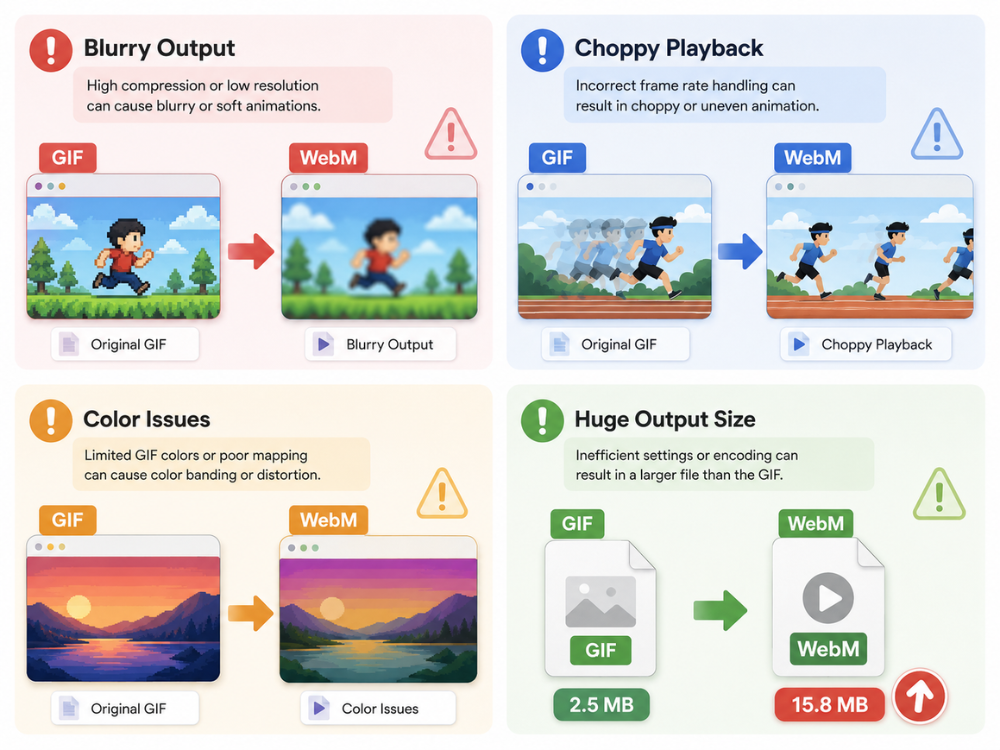
Blurry Output
Output images may appear blurry due to high compression or low resolution applied by the converter to the output file. This can be corrected by setting the correct output configuration before starting the conversion. When the application allows you to modify the output settings, select high quality for better results. AhaConvert’s GIF-to-WebM converter preserves the original resolution during conversion.
Choppy Playback
An animation with choppy movement usually indicates an error in maintaining the frame rate during the conversion process. GIF animations store the timing of each frame separately; therefore, not all converters can read this information properly. This results in the animation running either too quickly or too slowly. Conversion software designed specifically for WebM will deliver better results.
Color Issues
Since GIF only supports a limited set of 256 colors, some software may exhibit color problems due to the larger palette in WebM. Color alteration or reduced color contrast may occur if the software fails to accurately map colors. It is always recommended that you review the output file against the GIF source file.
Huge Output Size
This problem may seem to contradict the previous statement, but the WebM conversion process can result in an output file larger than the original GIF animation. In most cases, this occurs because the software being used does not use efficient compression techniques. When done correctly, WebM files are smaller than the input GIFs.
Best Free GIF to WebM Converters in 2026
Several reliable tools can convert GIFs to WebM without requiring software installation. Here are five worth considering.
AhaConvert GIF to WebM Converter
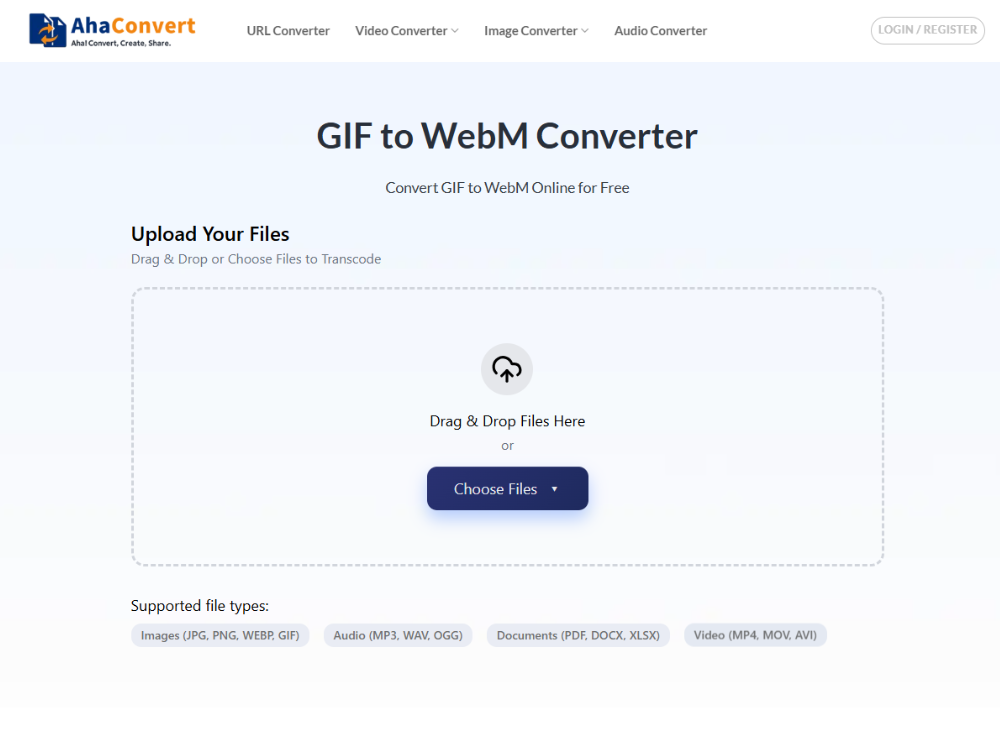
AhaConvert GIF to WebM Converter is a completely free web-based program that will help you convert GIFs into WebM format quickly and safely. There is no need for an account to use this application, and all the files you convert will be encrypted with 256-bit SSL and deleted after only 24 hours. You will even get the opportunity to make use of batch conversions, which will make your work much faster when working with numerous GIF animations.
Pros:
· Complete lack of cost and no need to register
· Ability to convert several files at once
· SSL protection and deletion of files
· Can be used on any computer and from any web browser
· File size restrictions do not exist for everyday use
Cons:
· Connection to the Internet is needed
· No additional settings available
Convertio GIF to WebM Converter
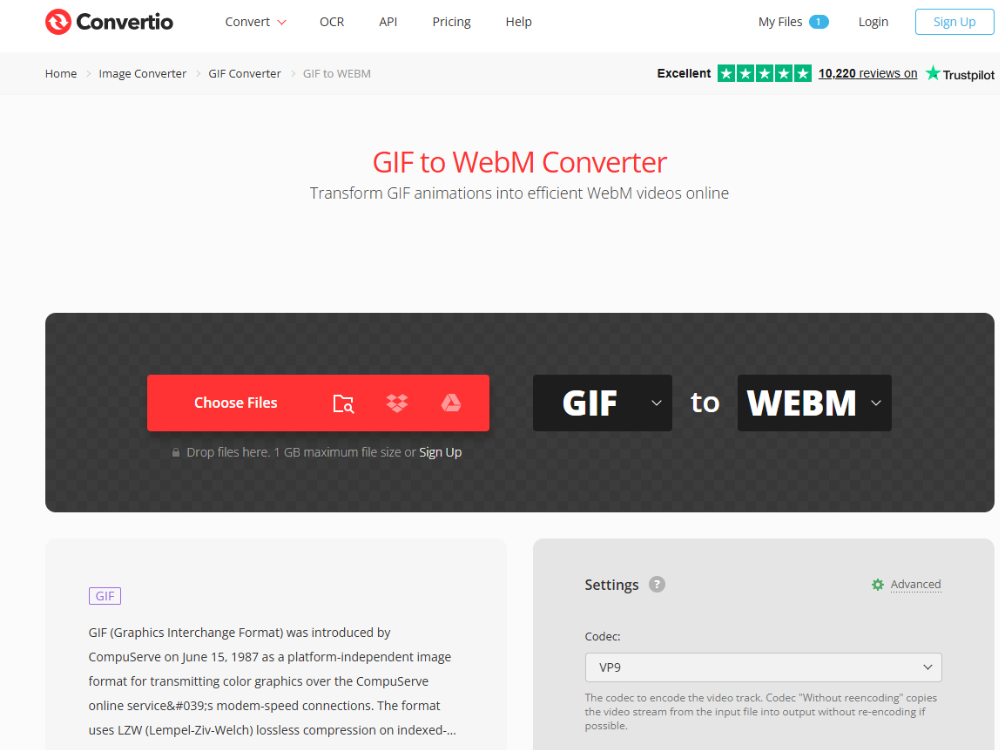
Convertio is a widely popular web converter for converting GIFs to WebM. It can convert files uploaded either from your device or cloud storage services such as Google Drive or Dropbox, making it easy to manage cloud workflow processes. However, the free package limits conversions to 100 MB each.
Pros:
· User-friendly interface,
· Support for cloud storage,
· Wide range of formats.
Cons:
· 100 MB max file size,
· Free account conversion limitations
FlyConvert GIF to WebM Converter
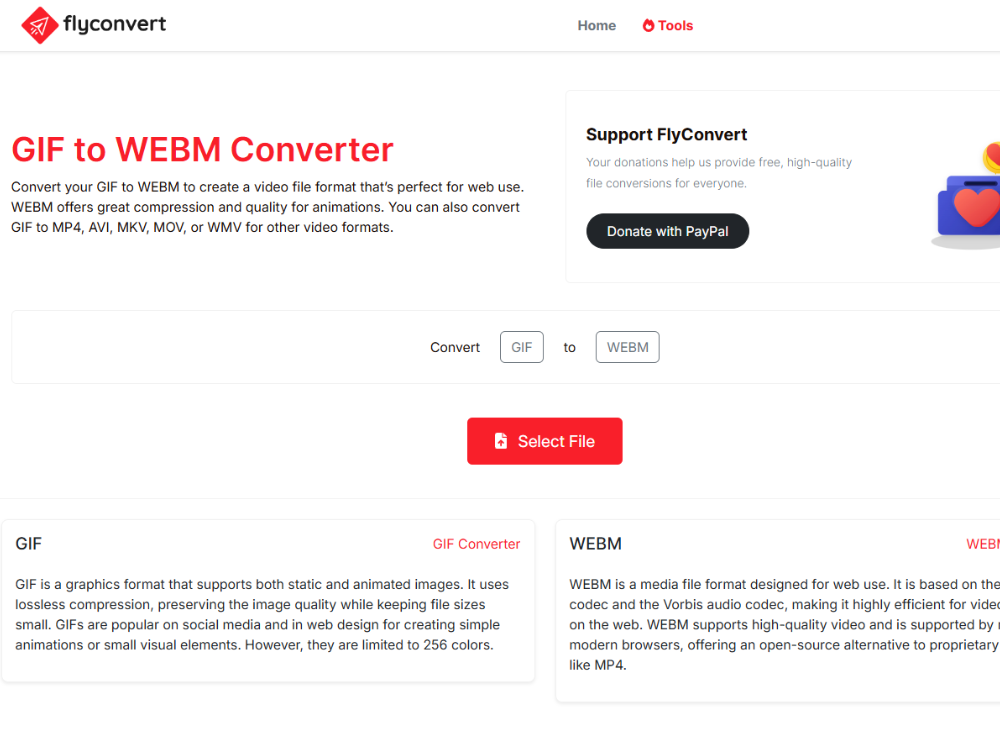
FlyConvert is a lightweight online application that converts files with no fuss. It is a tool for simple GIF-to-WebM conversion that does not require registration. Conversion time is fast, but customization options are limited.
Pros:
· Fast conversion,
· User-friendly interface,
· Does not require registration.
Cons:
· Limited file formats available,
· Limited customization features.
MiConv GIF to WebM Converter
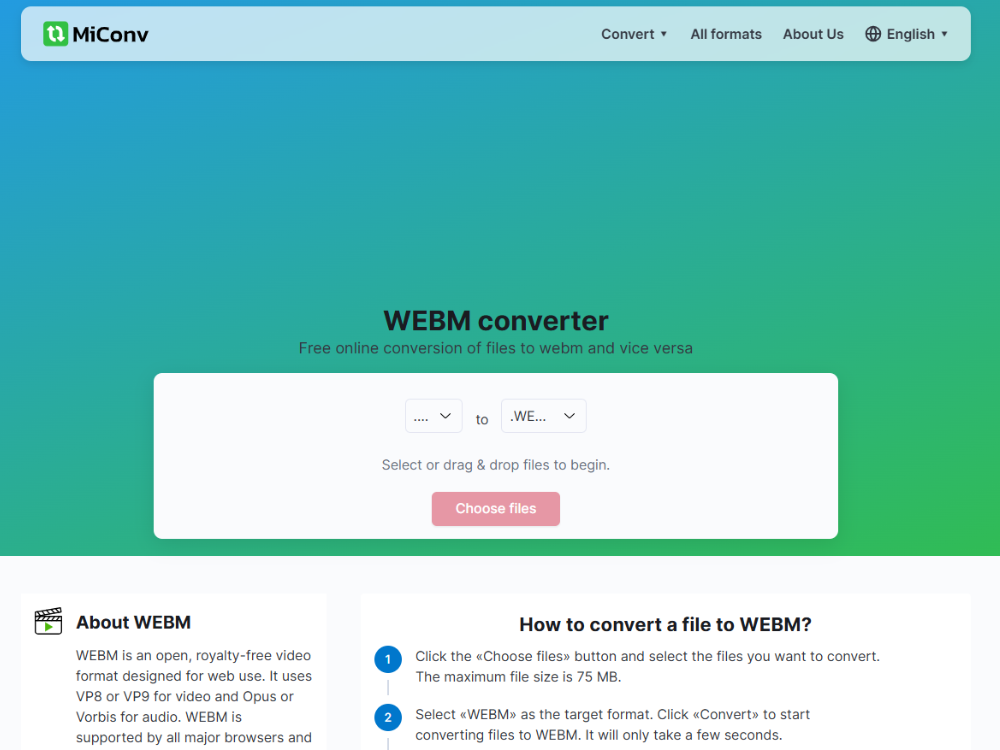
MiConv can convert various file types, including GIF and WebM. The software is easy to use and can handle almost any type of standard animation GIF. The program’s design seems quite old-fashioned compared to other converters. It does not offer batch conversion in its free version.
Pros
· Wide format compatibility,
· No sign up needed,
· Simple process.
Cons
· Outdated interface,
· No batch conversion using the free account,
· Slow in processing large files.
CloudConvert GIF to WebM Converter
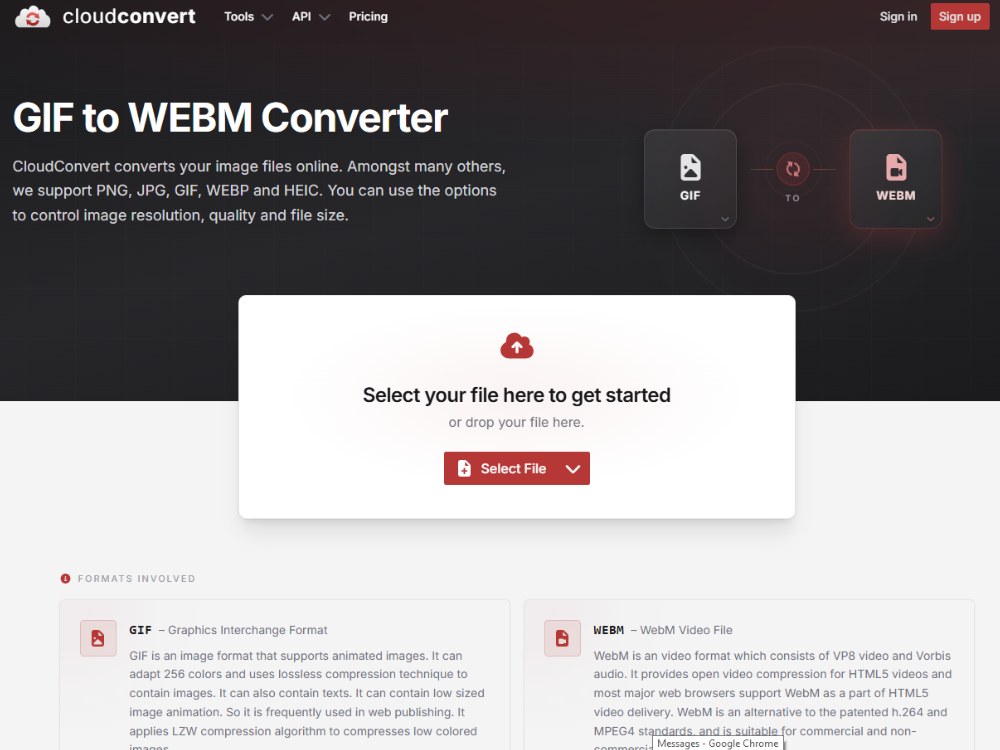
CloudConvert is a reputable converter that offers users a variety of additional options, such as adjusting the output video codec, quality, and frame rate before the conversion process begins. It thus becomes useful for those who seek more precise control over their output files. Its main limitation, however, is the daily credit limit when using the free version.
Pros:
· Allows for changing the output parameters,
· Provides API,
· Consistent high-quality output.
Cons:
· Free credits are restricted,
· Less user-friendly interface.
How to Convert GIF to WebM File with AhaConvert
Converting GIF to WebM with AhaConvert takes just a few steps and requires no technical knowledge. Here is exactly how it works.
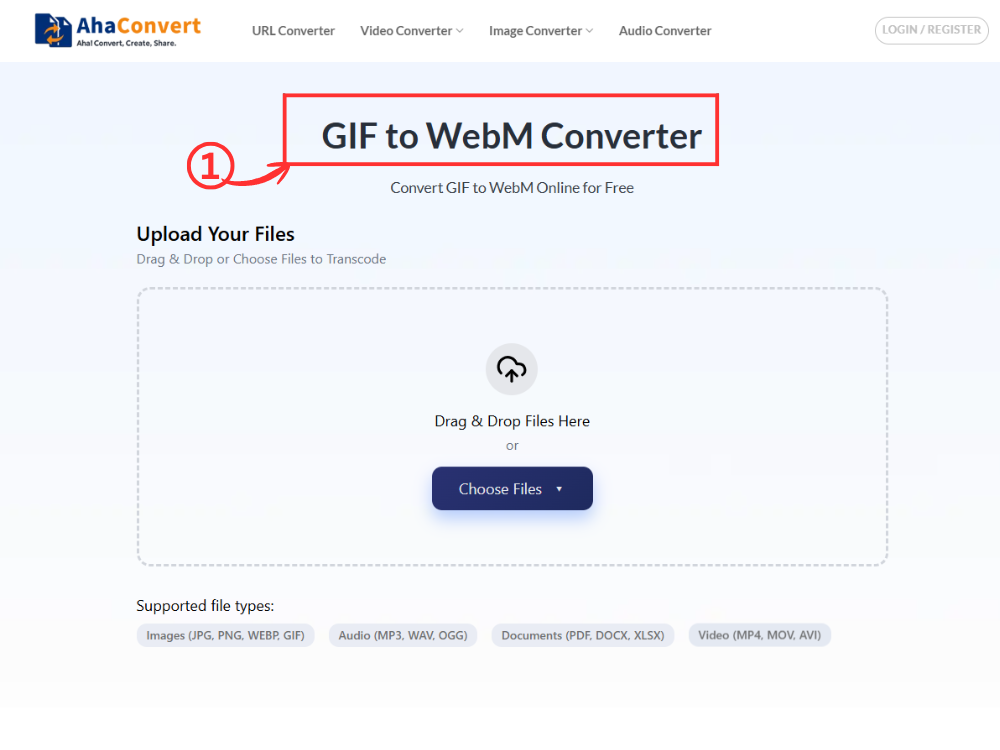
Step 1: Open the AhaConvert GIF to WebM Converter
Go to the AhaConvert GIF to WebM converter in any web browser. The page loads instantly on any device — desktop, laptop, tablet, or smartphone — with no downloads or sign-up required.
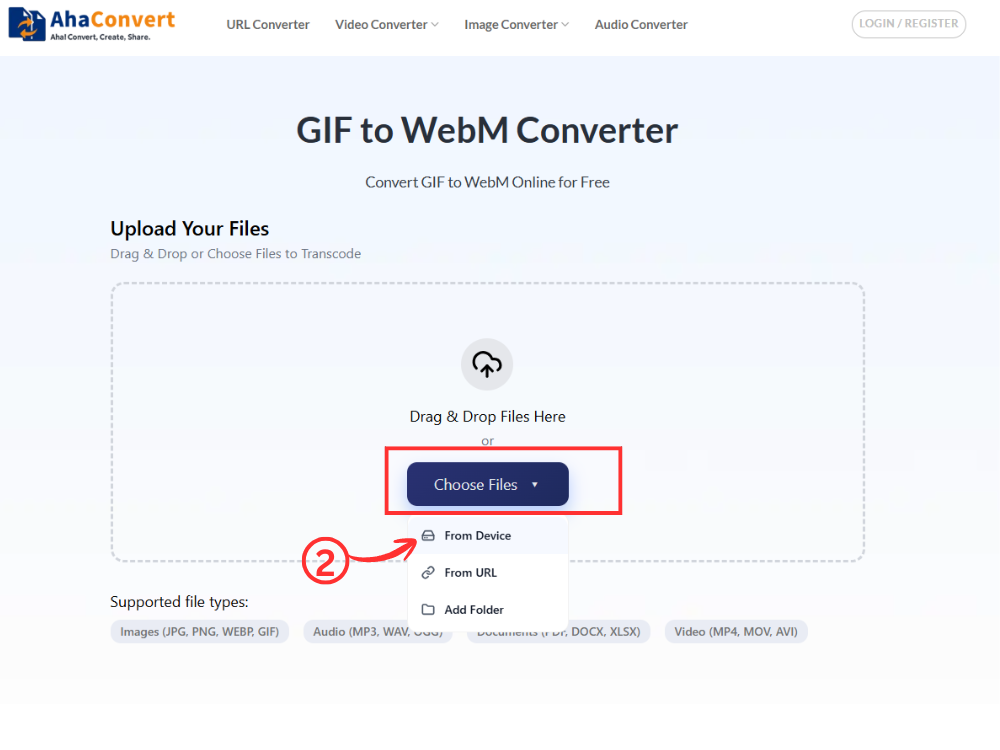
Step 2: Upload Your GIF File
Click the “Choose Files” button to browse and select your GIF file from your device. Alternatively, drag and drop the file directly into the upload area, or paste a file URL if your GIF is hosted online.
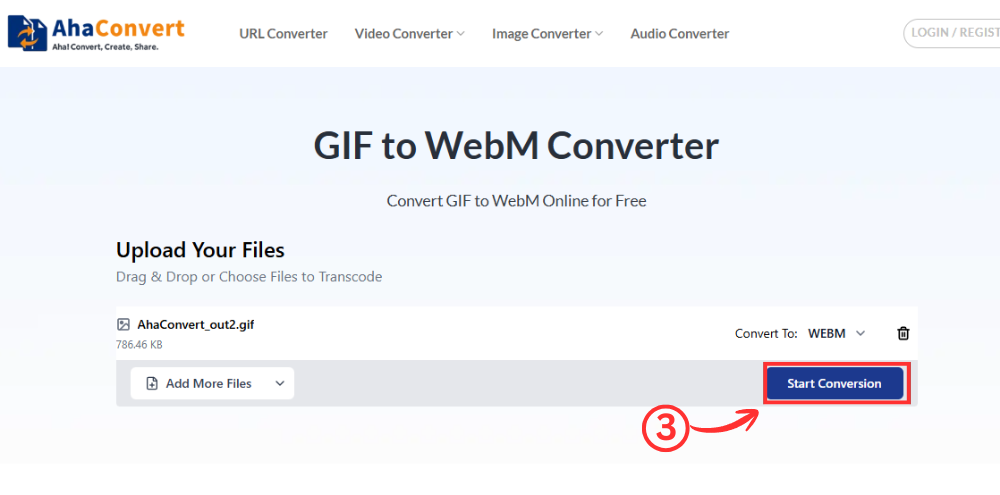
Step 3: Start the Conversion
Once your file is uploaded, click the “Start Conversion” button. Because this is a dedicated GIF-to-WebM converter, the output format is set to WebM by default. There is no format dropdown to configure — just click and let AhaConvert process your file.
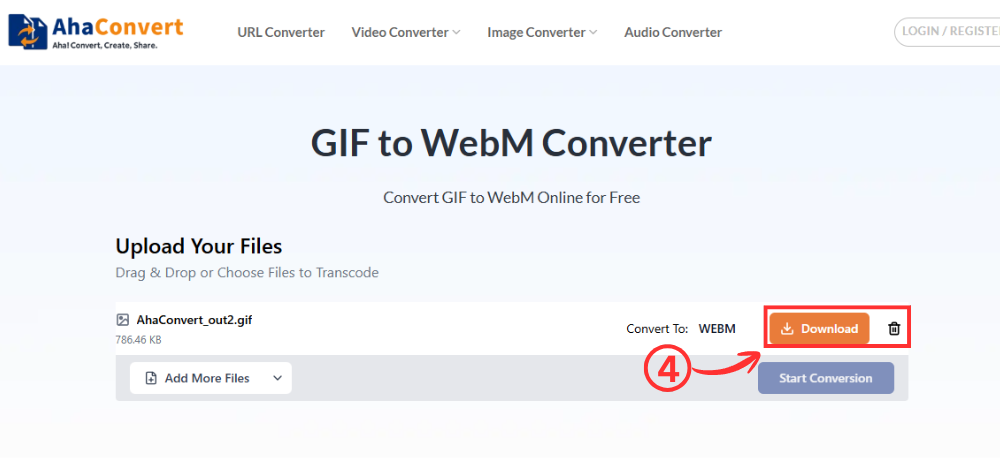
Step 4: Download Your WebM File
When the conversion is complete, a download button will appear on the page. Click it to save your WebM file to your device. The entire process typically takes just a few seconds, even for longer or more complex GIF animations.
Frequently Asked Questions
1. Is it free to convert GIF to WebM online?
Yes, it is free. AhaConvert lets you convert GIFs to WebM for free. There are no hidden costs, no subscription plans; no accounts are necessary. All you have to do is upload a GIF file, start the conversion, and get a new WebM file.
2. Can I convert GIF to WebM on mobile devices?
Yes. An online tool like AhaConvert does not require any apps, and the entire process takes place in your browser. As such, you can easily convert files on all types of mobile devices running various operating systems. Use your mobile browser to access the converter and follow the instructions for converting GIF to WebM.
3. Is it safe to use an online GIF to WebM converter?
Yes, it is possible to use a reputable online tool like AhaConvert. This service encrypts all uploaded and converted files on its website using 256-bit SSL encryption, which is deleted after 24 hours. It does not give out any personal information about users and their files to anyone else.
4. Can I convert WebM back to GIF later?
Yes. Most online converters, including AhaConvert, support conversion in both directions. If you ever need to revert a WebM file back to GIF — for example, to use it on a platform that does not support WebM — you can do so using the same type of online tool.
5. Will converting GIF to WebM reduce image quality?
In most cases, you will achieve better visual quality with WebM. This format supports up to 16 million colors at once, while GIF is limited to 256 colors. Hence, any animations and gradient effects will look better when presented in WebM format.
6. How much smaller will my file be after converting to WebM?
As with any image format, the reduction varies by the original image; however, in general, the resulting WebM image should be 70-90% smaller than the original. For example, a 5 MB GIF will turn into a WebM file no larger than 1 MB.
Wrapping Up
Though GIFs are easily recognizable and widely known, they are large and limited to 256 colors; therefore, their use on contemporary websites is inappropriate. WebM resolves all these concerns since it offers smaller file sizes, higher quality, better video experience, and compatibility with different browsers. Knowing how to convert a GIF to a WebM file is quite useful for people who work with online images and videos.
In fact, the procedure involves no complicated steps, and you do not need special tools or skills to convert your images to WebM files. A convenient online AhaConvert GIF-to-WebM converter completes the entire operation in seconds, with no account registration required. Whether you are converting a single animation or a batch of GIFs, switching to WebM is one of the easiest ways to improve your website’s performance today.
