

Have you ever taken a moment to look at the crisp, premium quality of billboards? See how massively zoomed in the images are, yet there is not a single sign of pixelation or distortion?
It is not just great photography or heavy image editing. While those may play a part, EPS is a common file format used in commercial printing for the simple reason that it allows images to be enlarged without causing pixelation.
But EPS is also one of the least compatible file formats out there. Not a lot of browsers support it, and many devices are not equipped to open it either. PDF, on the other hand, is far more widely supported.
EPS files eventually need to be shared, and one of the best ways to share them is by converting EPS to PDF. In this guide, you’ll see how to do that.
What Is an EPS File?
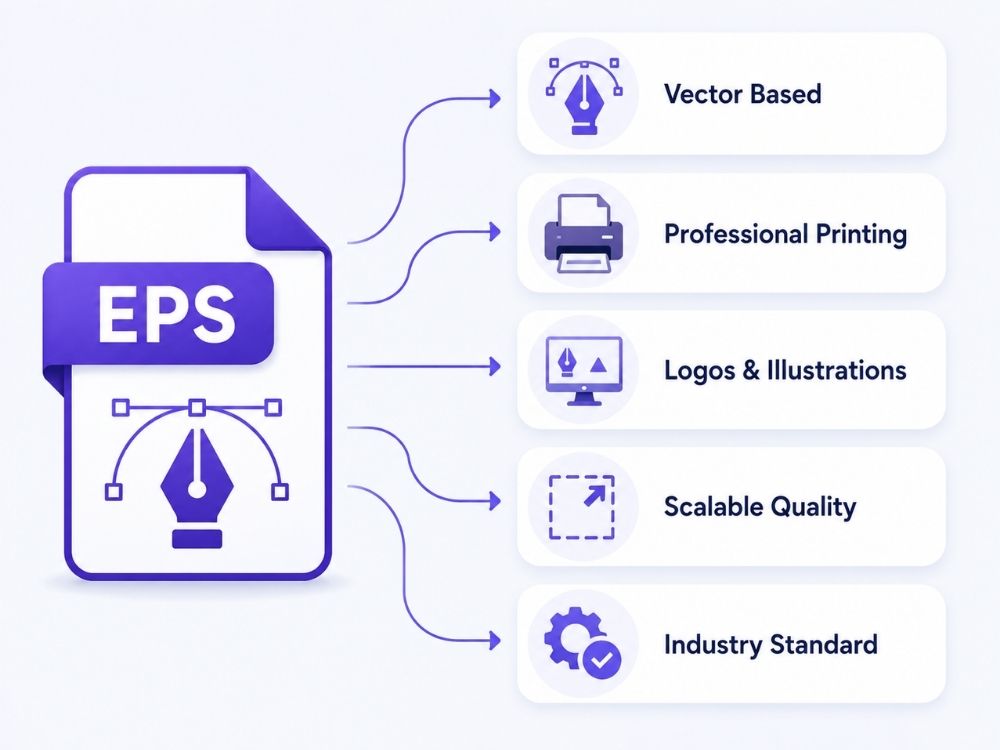
EPS, which stands for Encapsulated PostScript, has long been one of the industry’s favorite file formats for professional printing. This vector file format has built its reputation around commercial and professional print work because of its impressive ability to maintain resolution.
Since EPS is a vector graphic format, it is mainly used for logos, illustrations, print designs, and other commercial purposes where quality needs to be maintained. But print is not limited to newspapers alone. Anything from business cards to billboards uses EPS to create sharp marketing material.
Now, why EPS? Especially when browsers do not support it, and many non-design tools still struggle to open it. Adobe software does support EPS, but outside professional design and printing workflows, its compatibility is still limited. That is why its popularity may seem confusing at first.
The reason is that many image setters and PostScript printers previously relied on EPS files. Since then, many workflows simply continued using it instead of moving away from it. Today, EPS files can easily be replaced by more shareable formats such as PDF. But for graphics that need to be scaled for commercial printing, EPS is still used at times, and it works well for that purpose.
EPS vs PDF: What’s the Difference?
EPS and PDF have quite a few things in common, and this is most noticeable in commercial printing. One company may choose EPS for posters and business cards, while another may prefer PDF for the same purpose.
So, what is the difference at the end of it all? It may not seem noticeable on paper, but during file creation, sharing, and printing, users can feel a clear difference.
Here is a quick rundown of what makes EPS and PDF different.
| Feature | BMP | |
|---|---|---|
| Full name | Bitmap Image File | Portable Document Format |
| Main purpose | Stores pixel-based image data | Stores images, text, and page layouts in document form |
| How it stores images | Usually stores raw or lightly processed pixel data | Stores the image inside a page, often with compression |
| File size | Often large because BMP is usually uncompressed | Usually easier to manage, depending on compression |
| Image quality | Very high when the source is clear | Can stay high if the image is not over-compressed |
| Sharing | Less practical for email, uploads, and online use | Much easier to share across devices and systems |
| Printing | Keeps image detail, but has no page layout | Better for print because it controls page size and layout |
| Multiple images | Usually one image per file | Can combine several images into one document |
| Compatibility | Strong in Windows environments | Works across Windows, Mac, phones, browsers, and office systems |
| Best use | Older files, scans, icons, cursors, and raw image detail | Sharing, printing, uploading, archiving, and document submission |
Why Convert EPS to PDF?
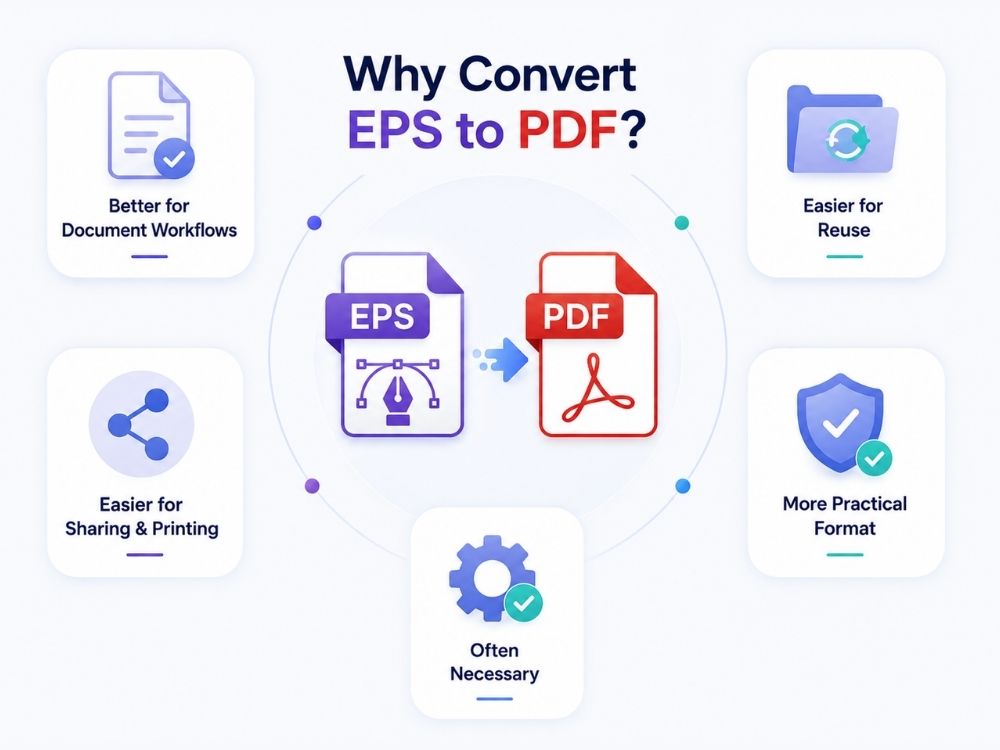
EPS and PDF may not seem very different from one another, considering the final print. But the file handling, software support, file size, and how smoothly the file moves through a print setup is where the need to convert EPS to PDF becomes necessary. These are the main reasons many users convert EPS to PDF before sharing:
1. PDF works better for document-based workflows
A PDF file cannot directly contain an EPS file inside it. This is why tools like LaTeX often convert EPS to PDF before placing the graphic in the final PDF document. The EPS to PDF conversion is not a random extra step. It happens because the final output format needs the graphic in a format it can properly include.
2. EPS is less convenient for repeated use
When you convert EPS to PDF, the converted files may stay in the folder. This can look messy at first, but it helps the software avoid repeating the same EPS to PDF conversion every time. On the next run, the system can reuse the already converted PDF version instead of starting all over.
3. PDF is easier for sharing and printing
EPS shareability is extremely limited. Though it may work well in design and print settings, PDFs are a much preferable option when it comes to sharing, reviewing, printing, and receiving. This is one of the biggest reasons why users convert image files, such as EPS or GIF to PDF.
4. EPS is still useful, but PDF is more practical
EPS is mainly tied to professional graphics and older print workflows. PDF is more flexible because it can handle text, images, pages, fonts, and graphics in one file. That makes it a more practical choice when the file needs to move between designers, clients, printers, or document systems.
5. EPS to PDF conversion is often necessary
If the final output is PDF, converting EPS to PDF is often required. It allows the graphic to become part of the final document without causing compatibility problems. So, while EPS can still be useful for creating scalable graphics, PDF is usually the better format for sharing, storing, and final output.
How to Convert EPS to PDF Online
A good EPS to PDF converter should preserve the original vector quality while making the file easier to view, share, and print. AhaConvert is a simple option for this, and here is how you can convert EPS to PDF using it.
Step 1: Open AhaConvert EPS to PDF Converter
Open the AhaConvert EPS to PDF converter through your browser.
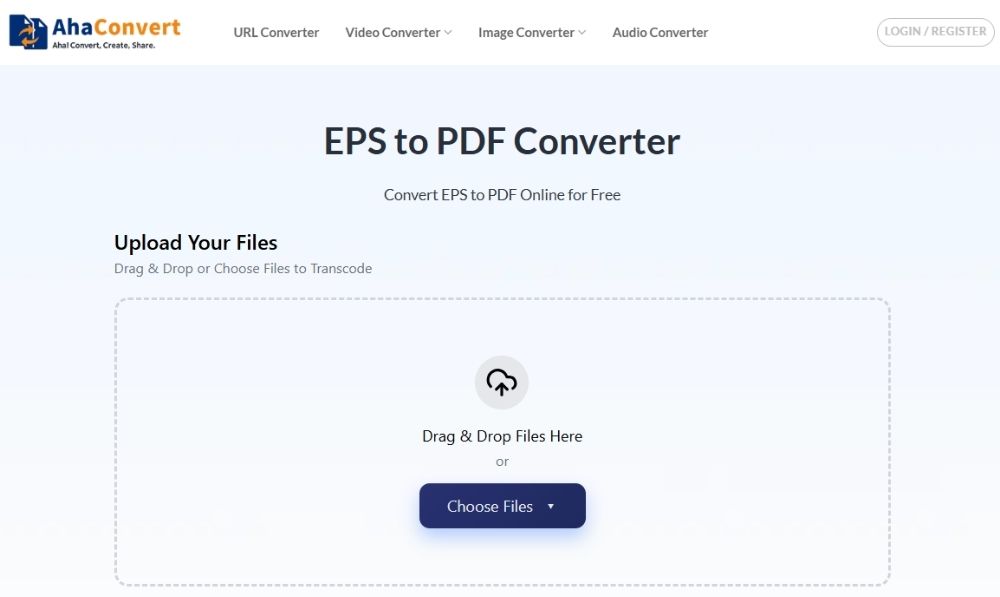
Step 2: Upload Your EPS File
Click “Choose Files”, then select “From Device” to upload your EPS file. You can also drag and drop the file directly into the upload area.

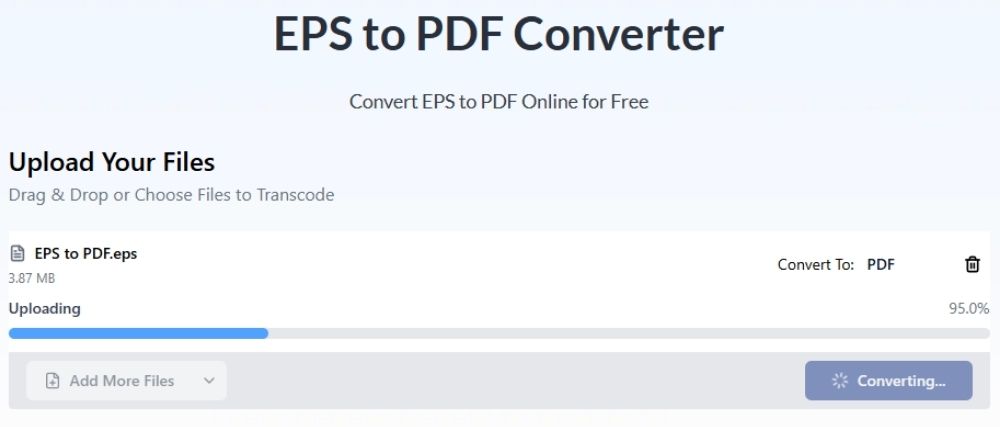
Step 3: Start the Conversion
Click the “Start Conversion” button to convert EPS to PDF. The converter will begin processing your file immediately.

Step 4: Wait for the Conversion
The conversion process is usually very quick and often takes only a few seconds, depending on the file size and complexity of the artwork.
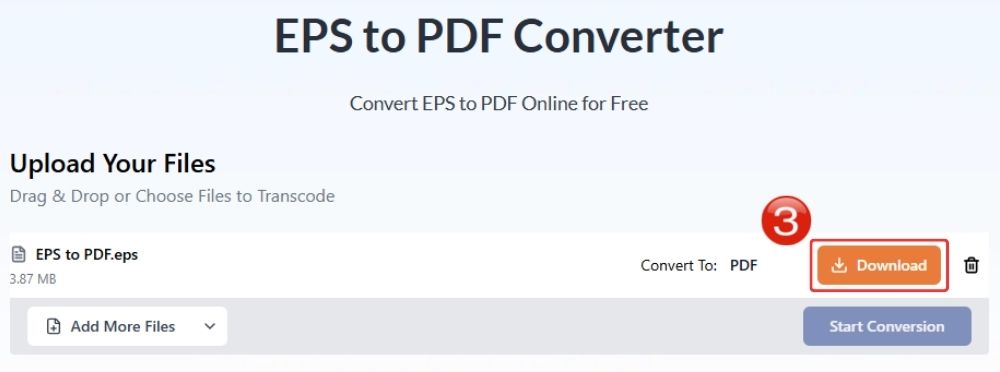
Step 5: Download the PDF File
Once the conversion is complete, click “Download” to save the converted PDF file to your device.
After downloading the file, open the PDF once before sharing it. Check the page size, artwork edges, and overall sharpness. A clean EPS to PDF conversion can make the file much lighter, often by 60% to 80%, and gives it much stronger browser support, close to 99.6%. For print-ready artwork, PDF is also worth using because it helps keep vector details intact during professional printing. Later, if the design needs to be edited again as a vector file, you can convert PDF to SVG.
Frequently Asked Questions
a. Can I convert EPS to PDF for free?
Yes, you can. Plenty of online tools let you convert EPS to PDF without paying or installing anything. Take the AhaConvert EPS to PDF converter as an example. You can convert as many EPS files to PDF as you like, free of cost
b. Is online EPS conversion secure?
This mostly depends on the converter you use. Converters such as AhaConvert use SSL encryption, ensuring your files remain secure. AhaConvert also deletes files within 24 hours, so your data remains secure.
c. Do I need Adobe Illustrator to open EPS files?
Adobe Illustrator is one of the most common tools for opening and editing EPS files, but there are tools such as Photopea and Jumpshare that also cater to this file format.
d. Can I convert EPS to PDF on mobile devices?
Sure, as long as you can open an online converter on your mobile browser, you can convert your files from EPS to PDF easily.
PDF is a universal file format, with its compatibility extending to nearly every browser and device. You can easily share it via Dropbox, mail, messaging apps, or any other means.
Wrapping Up
EPS ruled the graphics industry for quite some time. Its scalability especially gave it an edge, but with newer file formats offering better sharing options and much smaller file sizes, EPS no longer holds the same ground.
PDF has become the universal file format for many print and document workflows. Many users find that it works almost every time without issues, which is why more people now convert EPS to PDF for printing, sharing, and everyday file handling.
